
Profile Foundation & Visibility
Table of Contents
Want to Boost Your Career Beyond LinkedIn?
Explore expert job resources, hiring updates, and career guidance at Frontlines Media.
How LinkedIn's Algorithm Really Works (In Plain English)
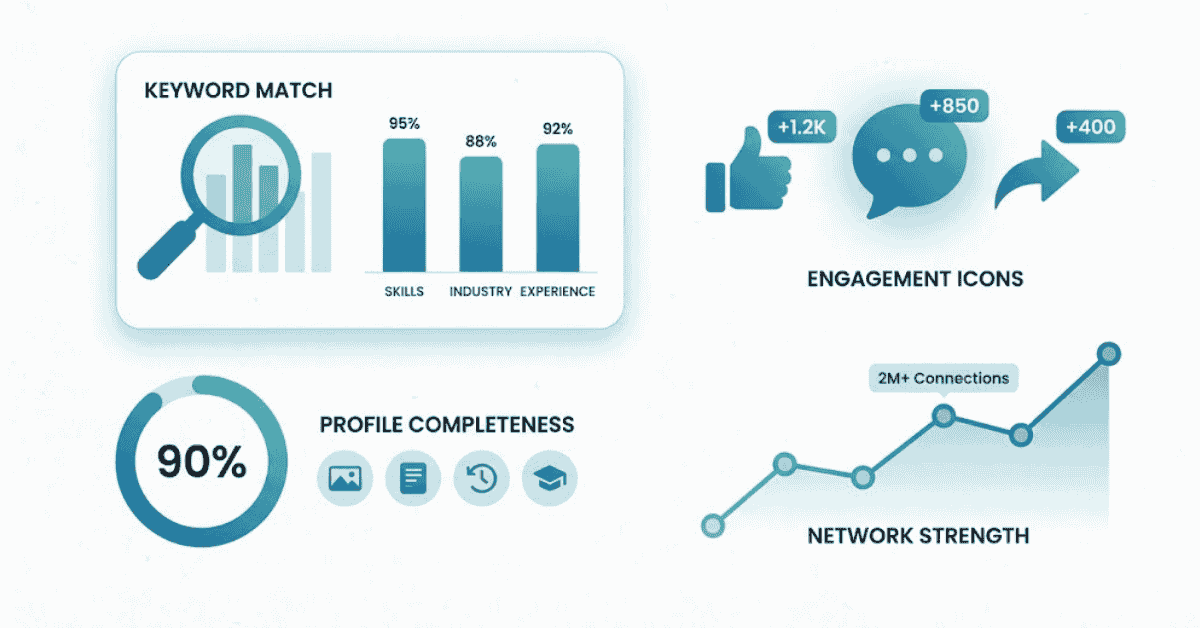
LinkedIn doesn’t just show profiles randomly. Its algorithm is like a smart librarian who knows exactly which book you’re looking for. It considers:
Keyword Match – When a recruiter searches “Digital Marketing Manager,” the algorithm finds profiles with those exact keywords. If your profile says “Social Media Expert” but not “Digital Marketing Manager,” you’re invisible.
Profile Completeness Score – LinkedIn gives you a “green bar” showing how complete your profile is. Profiles that are 100% complete get prioritized in search results. It’s not just about looking good; it’s about appearing first.
Engagement & Recency – Profiles that were updated recently and show activity (posts, comments, profile views) rank higher. A dusty profile looks abandoned, and the algorithm treats it like old inventory.
Connections Strength – LinkedIn values connections within your network. If you’re connected to the hiring manager or someone in their company, your profile gets a boost.
Profile Views & Click-Through Rate – If people are viewing your profile and clicking on it, that signals relevance. The algorithm learns and shows it to more people.
Want 2X More Recruiter Visits?
Build job-ready skills and make your LinkedIn profile stand out instantly Explore Job-Ready Courses →

The 5 Profile Elements That Matter Most to Recruiters
- Profile Photo – Your Digital Handshake
Your profile photo is the first thing recruiters notice. Studies show that profiles with professional photos get 21 times more profile views than those without.
What makes a photo “recruiter-friendly”?
- Bright, professional background (white, light gray, or blurred office setting
- Smiling face, looking directly at the camera
- Dressed professionally (business casual or formal)
- Cropped shoulders-to-head (500x500px minimum)
- Good lighting—no shadows on your face
Real example: A fresher with a selfie in a gaming shirt vs. a fresher with a professional headshot. The second one gets shortlisted first.
- Headline – The Most Valuable Real Estate on Your Profile
Your headline appears everywhere—search results, recommendations, comments, messages. It’s your pitch in 220 characters.
Most candidates make this mistake: they use generic job titles like “Student at University” or “Looking for Job.”
Smart candidates use keywords: “Fresher | Digital Marketing Intern | Google Analytics | Social Media Strategy | Seeking Marketing Role”
This one line includes skills (Google Analytics, social media), position (intern), and intent (seeking role). A recruiter searching “digital marketing” or “Google Analytics” will find you.
- Custom URL – Your Professional Address
Default LinkedIn URLs look like: linkedin.com/in/john-smith-a1b2c3d4e5f6
Custom URLs look like: linkedin.com/in/johnsmith
Why does this matter? It looks cleaner on resumes, is easier to remember, and signals professionalism. Recruiters judge by small details—don’t give them a reason to think you’re not tech-savvy.
- Banner Image – Your Visual Identity
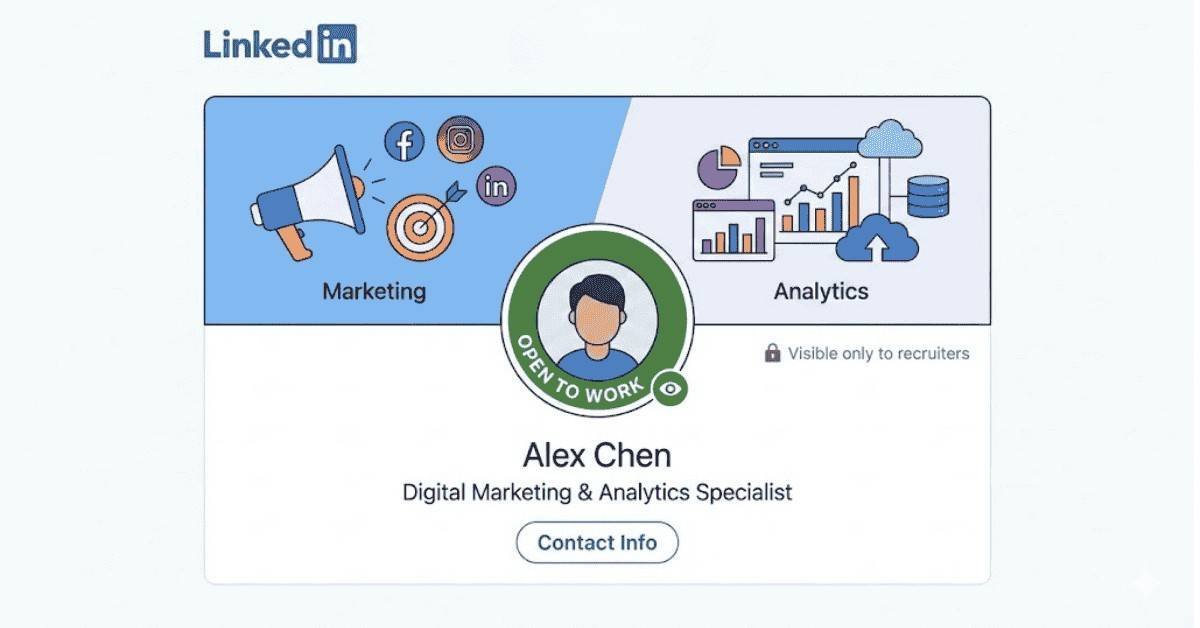
Your banner image is the header behind your photo. Most people leave it blank or use the default. That’s a missed opportunity.
A compelling banner can show:
- Your industry (marketing graphics for marketers, code screenshots for developers)
- A key achievement or mission statement
- Your professional brand
Example: A data analyst might use a banner with analytics dashboards and the text “Data-Driven Decision Maker.”
- The “Open to Work” Signal – Visible to Right People
The “Open to Work” button has a hidden power: you can choose who sees it. When you turn on “Open to Work,” you can make it visible to:
- Only recruiters (recommended)
- Your network
- Everyone
Smart candidates use this feature with a custom message: “Seeking Digital Marketing roles in Bangalore. Open to internships and full-time positions.”
This tells recruiters your location preference and role type without spamming your entire network.
Action Steps to Boost Your Visibility Today
- Audit your profile completeness – Go to your profile and check the green bar. Fill every section (Add profile photo, headline, location, experience, skills).
- Research your target keywords – Look at 5 job descriptions for roles you want. Extract common keywords (example: “SEO,” “content calendar,” “Google Analytics”).
- Update your headline with keywords – Replace generic titles with role-specific, keyword-rich headlines.
- Turn on Open to Work – Set it to “recruiters only” with a custom message.
- Add a professional banner – Use Canva’s free templates to create a banner reflecting your industry.
- Get your first recommendation – Ask a former manager, teacher, or project partner for a LinkedIn recommendation. Profiles with recommendations rank higher.
Master LinkedIn Faster
Read expert tips and strategies to boost your online visibility & job chances. Read Career Guides →