
Common Resume Mistakes to Avoid
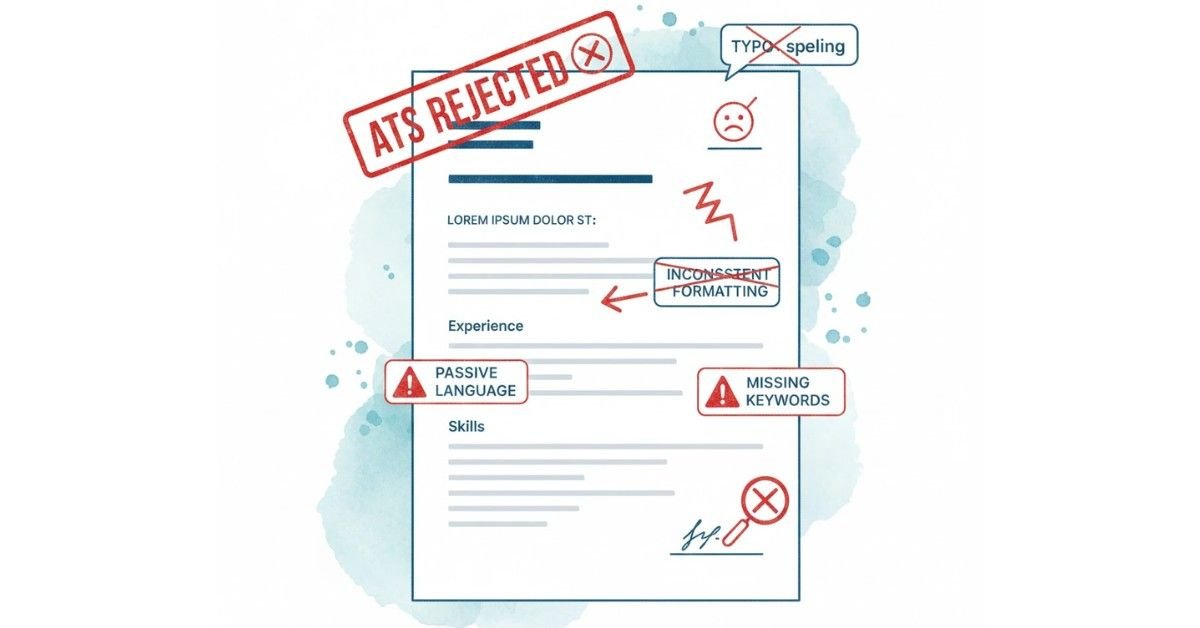
Table of Contents
Content Mistakes: What You Write (And Don't Write)
Mistake 1: Typos, Spelling Errors, and Grammar Issues
A single typo can eliminate you from consideration. Studies show that 76% of hiring managers immediately reject resumes with spelling or grammatical errors. Why? Because it signals carelessness. If you can’t proofread your own resume—the most important document of your career—how can they trust you with client work, content, or strategic projects?
Fix:
- Proofread 3+ times (your own eyes miss errors)
- Use Grammarly or similar tools
- Read backwards (slows your brain, catches more errors)
- Have someone else proofread
- Check every number, date, and company name
Mistake 2: Inconsistent Formatting
You use “Microsoft Excel” in one bullet but “MS Excel” in another. Dates are “June 2023” in one spot but “6/23” elsewhere. Font changes mid-page.
Inconsistency looks unprofessional and confuses ATS systems trying to parse information.
Fix:
- Choose one date format (MM/YYYY) and stick to it
- Decide on abbreviations (Microsoft Excel or Excel, not both)
- Use one font throughout
- Keep bullet point formatting consistent
- Align sections uniformly
Mistake 3: Passive Voice and Weak Verbs
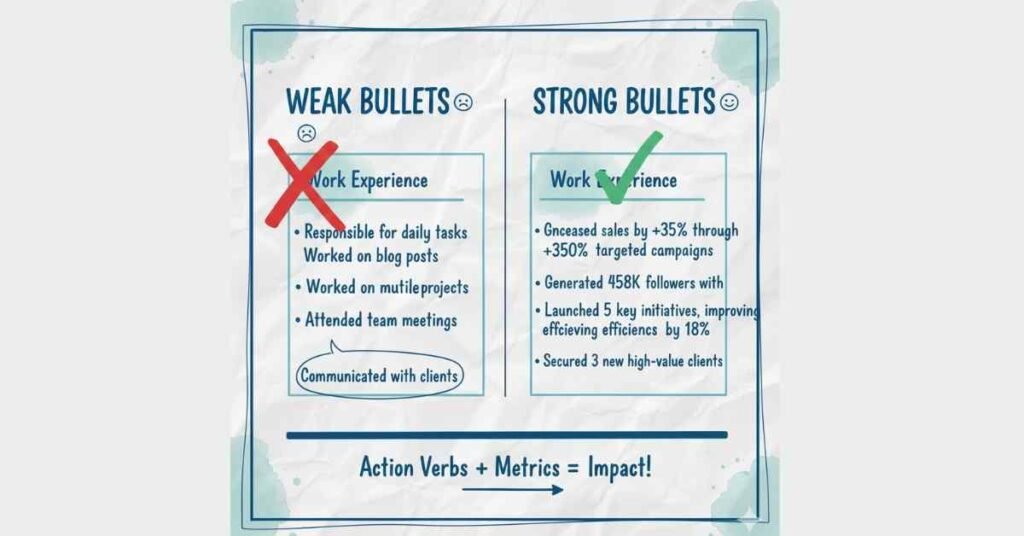
“Responsible for marketing” sounds weak. “Assisted with content creation” sounds like you did minimal work. “Participated in strategy discussions” minimizes your role.
These phrases make you sound like a bystander, not a leader.
Fix: Replace with action verbs
- ❌ “Responsible for increasing sales”
- ✅ “Increased sales by 35% through targeted outreach”
- ❌ “Helped create marketing campaigns”
- ✅ “Led 3 integrated marketing campaigns reaching 500K+ people”
- ❌ “Worked on website improvements”
- ✅ “Optimized website landing pages, improving conversion rate from 1.8% to 3.2%”
Mistake 4: No Quantifiable Results
“Managed social media” tells them nothing. How many followers? What engagement rates? How long did you manage it?
Numbers make achievements memorable and prove impact.
Fix: Add metrics to every achievement
- ❌ “Managed social media accounts”
- ✅ “Managed Instagram and LinkedIn accounts, growing combined followers from 12K to 67K (458% growth) and increasing engagement rate from 1.2% to 4.8%”
- ❌ “Improved website traffic”
- ✅ “Improved website organic traffic from 5K to 45K monthly visitors (800% growth) through SEO optimization and content strategy”
Mistake 5: Generic Descriptions
“Excellent communication skills,” “team player,” “creative thinker,” “problem solver”—these are meaningless without context.
Every resume says these things. They don’t differentiate you.
Fix: Provide specific examples in bullets
- ❌ “Good at communication”
- ✅ “Presented quarterly results to C-suite executives, translating complex data into actionable insights for 50+ stakeholders”
- ❌ “Strong problem solver”
- ✅ “Identified root cause of 35% cart abandonment, implemented checkout optimization, reducing abandonment by 23%”
Mistake 6: Missing Keywords from Job Description
Job posting mentions “Google Analytics 4,” “Conversion Rate Optimization,” and “A/B Testing.” Your resume never uses these terms.
The ATS won’t find matches. You’re filtered automatically.
Fix:
- Copy the job posting
- Identify 5-10 key skills/keywords
- Integrate them naturally into your resume
- Use both long-form and acronyms (Google Analytics 4 AND GA4)
Mistake 7: Unexplained Gaps in Employment
A 2-year gap between jobs with no explanation raises immediate questions: Were you fired? Health issues? Unreliable?
Unexplained gaps hurt your credibility.
Fix: Address gaps briefly and positively
- Minimal gap (1-3 months): Usually okay without explanation
- 6-month gap: Brief explanation like “Career transition, completed digital marketing certification”
- 1+ year gap: Explain in cover letter, not resume (e.g., “Took career break for family reasons; completed advanced certifications during this period”)
Mistake 8: Including References or “References Available Upon Request”
“References available upon request” wastes valuable resume space. Hiring managers know to ask for references—you don’t need to tell them.
Fix:
- Don’t include this line
- Don’t list references on resume
- Prepare a separate references sheet (provide only if asked)
- When asked, send 3 professional references with their title, company, and phone number
Mistake 9: Outdated or Irrelevant Information
You list “High school GPA: 3.8” when you have a master’s degree. You mention a 2010 award. You include “Proficient in Windows Vista.”
Outdated information makes you seem out of touch. Irrelevant information wastes space.
Fix:
- Remove high school education (if you have college degree)
- Remove awards older than 7-10 years
- Remove outdated tools (nobody needs Windows Vista skills in 2024)
- Focus on recent, relevant achievements
Mistake 10: Being Too Vague About Responsibilities
“Worked in marketing” is too vague. What marketing? SEO? Social media? Email? Paid ads?
Vague descriptions force recruiters to guess—and they usually move to the next resume.
Fix: Be specific about your role
- ❌ “Worked in marketing”
✅ “Managed SEO strategy, content creation, and Google Ads campaigns for B2B SaaS company”
“Want More Resume Improvement Tips? Explore Frontlines Media’s Expert Guides
Formatting & Technical Mistakes: How You Present It
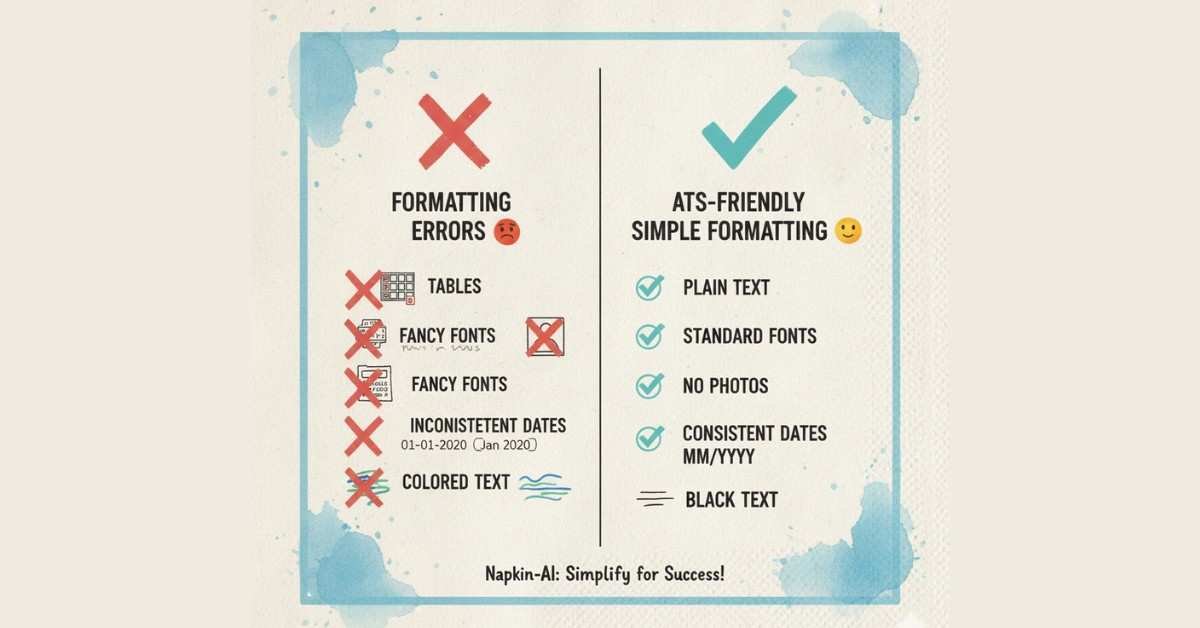
Mistake 11: Using Tables, Text Boxes, or Columns
ATS systems read top-to-bottom, left-to-right. They can’t parse tables or columns. Information gets scrambled or lost.
Fix:
- Use simple bullet lists
- Avoid tables (use simple text lists instead)
- No text boxes or sidebars
- Keep everything in standard paragraph/bullet format
Mistake 12: Fancy Fonts, Graphics, or Images
You think your resume looks beautiful with a custom font, colorful header graphic, and professional photo.
But the ATS can’t read fancy fonts. Graphics cause parsing errors. Photos get stripped out (or create bias issues).jobscan
Fix:
- Use standard fonts: Arial, Calibri, or Times New Roman
- No graphics or images
- No colored text (black on white is safest)
- No photos (unless specifically requested)
- Keep design simple and clean
Mistake 13: Wrong File Format
You save as .PAGES (Apple format) or .GOOGLE DOC. The employer’s ATS can’t read it. Your resume gets corrupted or rejected.
Fix:
- Save as .DOCX (Microsoft Word) for job portals
- Save as .PDF only if specifically requested
- Never submit in proprietary formats (Google Docs, Apple Pages)
- If unsure, ask the employer which format they prefer
Mistake 14: Bad File Name
You submit: “Resume.pdf” or “MyResume_FINAL_V3_ActualFinal.docx”
The employer has 200 applications with the same file name. Yours gets lost or mixed up.
Fix:
- Name it: FirstName_LastName_Resume.docx
- Simple, professional, easily searchable
- Example: Rajesh_Kumar_Resume.docx
Mistake 15: Inconsistent Spacing and Margins
Margins of 0.5 inches on one side, 1.5 on another. Single spacing in one section, double spacing in another.
Inconsistent formatting signals poor attention to detail. It also confuses ATS parsing.
Fix:
- Set 1-inch margins all sides
- Use consistent line spacing (single throughout)
- Use double line breaks between sections (not triple or single)
Keep margins and spacing uniform
Structure & Strategy Mistakes: Organizational Issues
Mistake 16: Too Long or Way Too Short
Your resume is 4 pages (way too much). Or it’s half a page with barely any content (too little).
Standard: 1 page for freshers, 2 pages for mid-level, 2-3 for senior professionals.
Fix:
- Freshers: Strictly 1 page
- Mid-level: Maximum 2 pages
- Senior: Maximum 3 pages
- Cut ruthlessly—every line must add value
Mistake 17: Poor Section Organization
Your resume lists: Skills, Education, Experience, Header, Projects, Languages.
Jumping around confuses the reader and wastes their time finding information.
Fix: Follow standard order
- Header
- Professional Summary/Objective
- Core Skills/Competencies
- Professional Experience
- Education
- Certifications
- Languages
Mistake 18: Irrelevant or Excessive Experience
You’ve listed every job since 2010, including 3 months as a cashier at McDonald’s (when you’re applying for senior marketing roles).
Old, irrelevant experience clutters your resume and confuses your narrative.
Fix:
- Include last 10-15 years maximum
- Focus on roles relevant to target position
- For very old roles, create 1-line summary if highly relevant
- Remove roles that don’t support your current career trajectory
Mistake 19: No Professional Summary or Objective
Your resume starts directly with education or a skill list.
Without context, recruiters don’t understand your narrative or what value you bring.
Fix:
- Freshers: Add 2-3 sentence Professional Objective
- Mid-level: Add 3-4 sentence Professional Summary
- Senior: Add 4-5 sentence Executive Summary
- These sections should immediately communicate your value
Mistake 20: Listing Duties Instead of Achievements
“Responsible for managing email campaigns” (duty)
vs.
“Managed email campaigns achieving 28% open rate (industry benchmark: 18%) and 4.2% click-through rate” (achievement)
ATS and recruiters want impact, not task lists.
Fix: Transform every bullet into an achievement
- Add metrics
- Show the result
- Demonstrate the business impact
Credibility Mistakes: What Destroys Trust
Mistake 21: Exaggerating or Lying About Experience
You claim you “Led 20-person team” when you mentored 2 interns. You say “Google Analytics expert” when you took one online course.
Background checks catch this. Employers reject (or fire) you.
Fix:
- Be honest about your experience
- Use accurate job titles (not inflated titles)
- Claim skills only if you can demonstrate them
- Distinguish between “proficient in” and “expert in”
- Remember: lies catch up with you
Mistake 22: Including Personal Information That Shouldn’t Be There
You list your photo, age, marital status, or nationality.
This information can create bias (legally, employers can’t ask for it) and wastes space.
Fix:
- ❌ No photos
- ❌ No age or date of birth
- ❌ No marital status
- ❌ No nationality (unless specifically relevant)
- ✅ Include: Name, phone, email, location (city/state)
Mistake 23: Mismatched Job Titles
Your previous employer called you “Marketing Specialist” but the industry standard is “Digital Marketing Manager.”
If you translate your title to industry standard, recruiters can match it better to what they need.
Fix:
- If your title was vague (“Executive,” “Coordinator”), clarify with industry standard
- But don’t inflate: “Marketing Specialist” → “Marketing Manager” is stretching it
- When unclear, add clarity: “Marketing Specialist (Social Media Focus)”
Mistake 24: Unexplained Reason for Job Changes
You had 5 different jobs in 5 years. Each role lasted 8-12 months.
This screams “job hopper” or “problem employee.”
Fix:
- In cover letter, explain significant changes (layoff, company closure, career pivot)
- Focus resume on what you achieved, not why you left
- For frequent changes, keep focus on progression or specialization, not duration
Mistake 25: No Call-to-Action or Direction
Your resume ends abruptly. No LinkedIn link. No portfolio. No way for interested recruiters to learn more.
You miss connection opportunities.
Fix:
- Include LinkedIn URL in header
- Add portfolio or website if relevant (especially for creatives, developers, designers)
- Include GitHub profile for technical roles
Make it easy for recruiters to find you online
Quick Audit Checklist: Your Final Resume Review
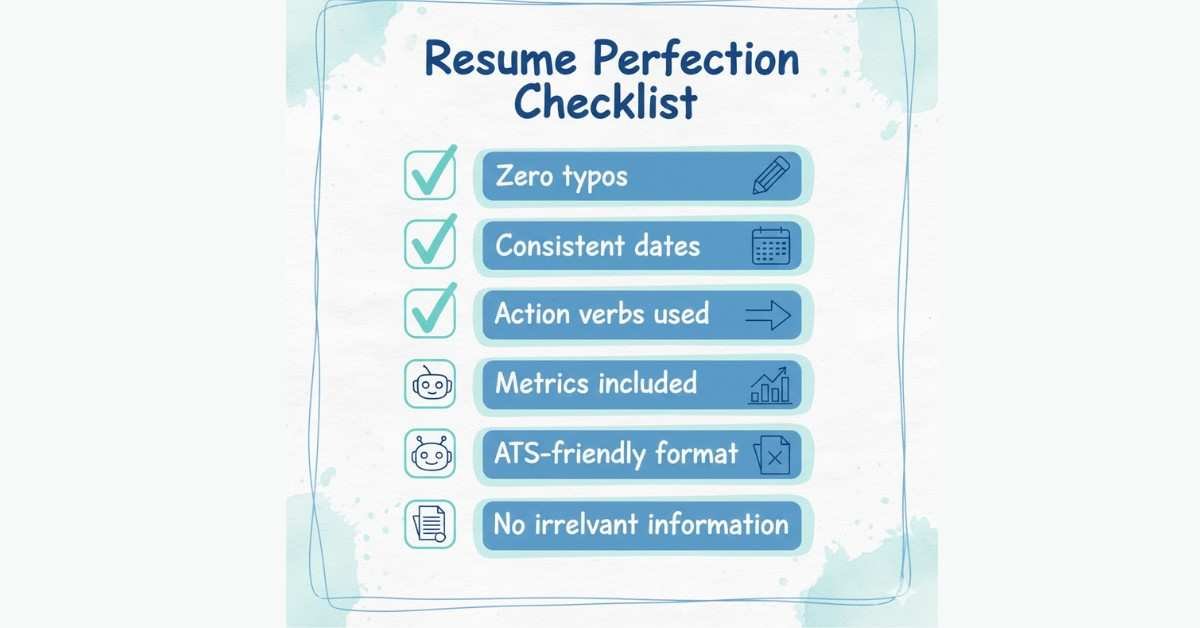
Before submitting, verify:
Content Quality:
- ✓ Zero typos or spelling errors
- ✓ Every bullet includes a number or metric
- ✓ Action verbs used throughout (no “responsible for” or “helped”)
- ✓ Job descriptions focused on achievements, not duties
- ✓ Job titles match industry standards
- ✓ Keywords from job posting are included
- ✓ No generic phrases (“team player,” “excellent communication”)
Formatting:
- ✓ Standard font (Arial, Calibri, Times New Roman)
- ✓ Consistent margins (1-inch all sides)
- ✓ No graphics, tables, or images
- ✓ Consistent date formatting (MM/YYYY)
- ✓ No colored text or fancy formatting
- ✓ Saved as .DOCX with professional file name
Structure:
- ✓ Proper section order (Header, Summary, Skills, Experience, Education)
- ✓ Professional summary or objective included
- ✓ Appropriate length (1 page freshers, 2 pages mid-level, 2-3 pages senior)
- ✓ No unexplained employment gaps
- ✓ No irrelevant old information
Credibility:
- ✓ No lies or exaggerations
- ✓ No personal information (age, marital status, photo)
- ✓ Job duties clearly explained or addressed
- ✓ Contact information accurate and current
- ✓ LinkedIn URL included