
Essential Skills & Technical Competencies
Table of Contents
Introduction
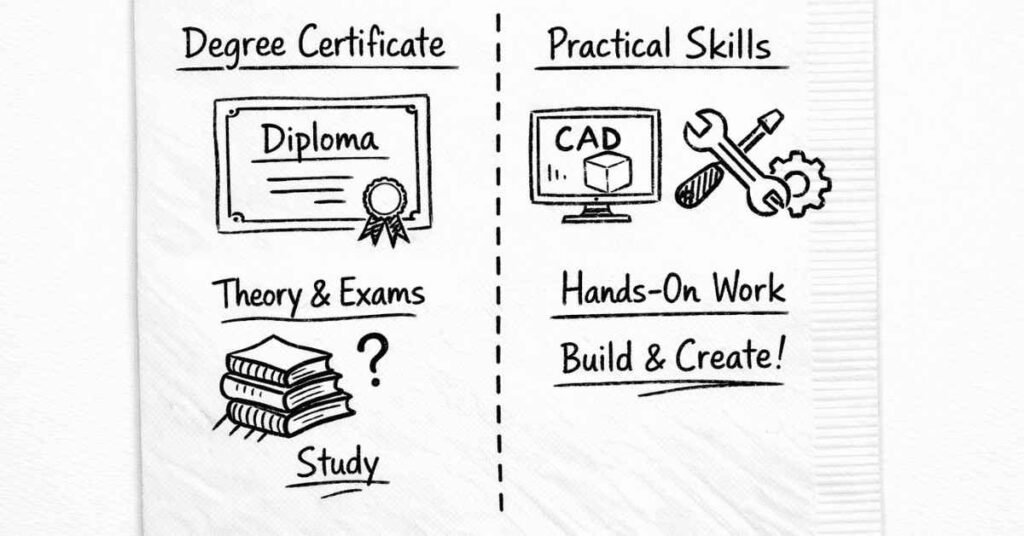
Here’s something they don’t tell you in engineering college: your degree proves you can learn, but employers hire you for skills you can actually apply. I’ve seen brilliant students with 9+ CGPA struggle to find jobs because they lacked practical skills, while average students with strong CAD portfolios and hands-on project experience had multiple offers.
Let’s talk about the real skills mechanical engineers need in 2026—not just to get hired, but to build successful, rewarding careers. This isn’t your college curriculum (which teaches theory). This is what actually matters in the workplace.
The Skills Landscape: Technical vs. Soft Skills
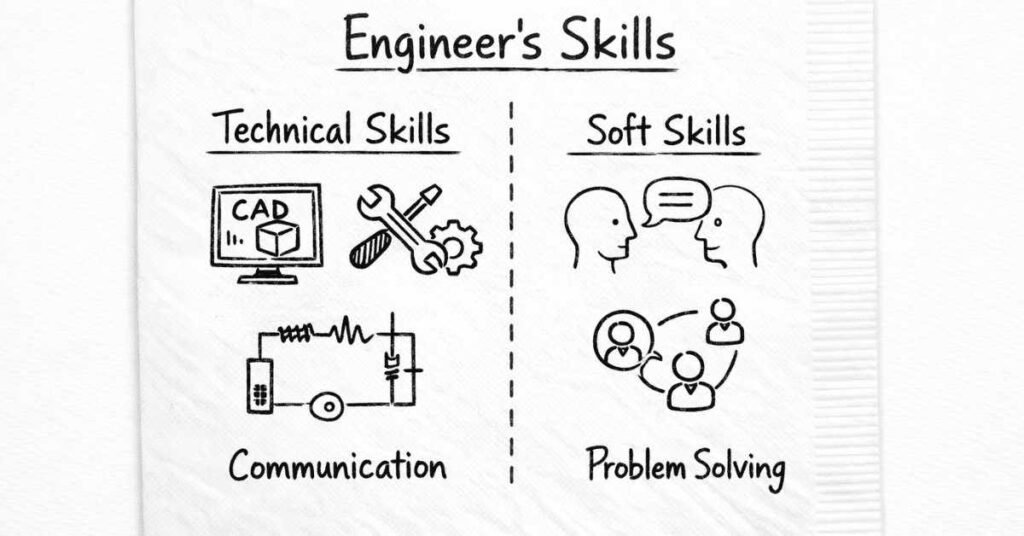
Before diving deep, understand that successful mechanical engineers need two types of capabilities:
Technical Skills (Hard Skills):
- Specific, measurable, learnable competencies
- CAD software proficiency, programming knowledge, understanding of manufacturing processes
- Proven through certifications, portfolios, practical demonstrations
- These get you through the door—they’re your entry ticket
Soft Skills (Human Skills):
- Interpersonal abilities like communication, teamwork, problem-solving approach
- Harder to measure but equally important
- These determine how far you advance—they’re your career accelerator
You need both. A technically brilliant engineer who can’t communicate effectively will struggle. A great communicator without technical depth won’t earn respect. Let’s explore both categories.
Technical Skill #1: CAD/CAE Software Mastery (Non-Negotiable)
If you learn only one technical skill beyond your college curriculum, make it CAD (Computer-Aided Design). This is absolutely non-negotiable for mechanical engineers in 2026.
Why CAD Matters So Much
Modern mechanical engineering happens primarily on computers. Before anything gets manufactured, it exists as a digital model. Engineers create, analyze, modify, and share designs using CAD software.
Employers assume mechanical engineers know CAD. Job postings routinely state “Proficiency in SolidWorks/CATIA required” or similar requirements. If you can’t demonstrate CAD skills, you’re immediately eliminated from consideration for design, R&D, and product development roles.
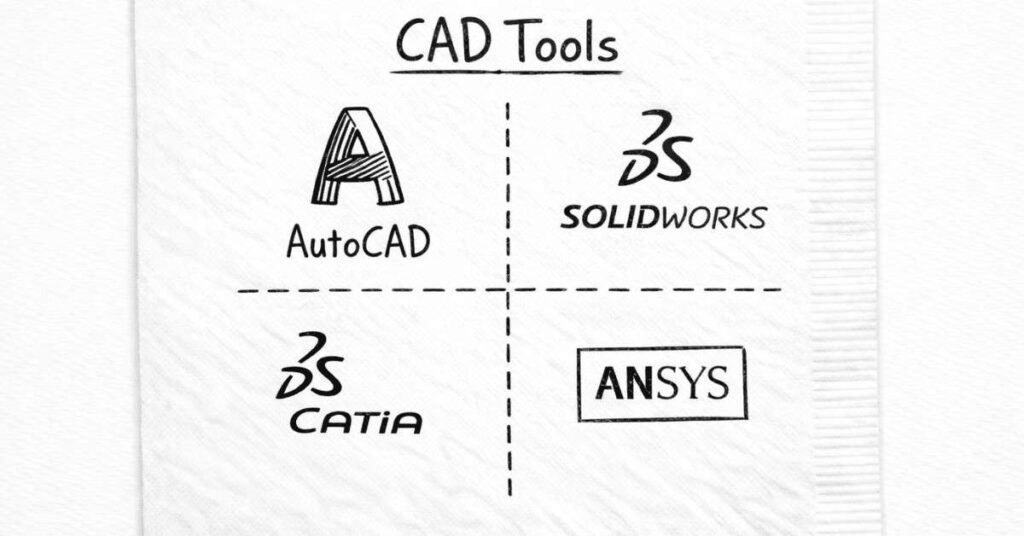
Essential CAD Tools to Learn
You don’t need to master every CAD platform, but proficiency in 2-3 core tools significantly improves your employability:
AutoCAD (2D Drafting Standard)
What it’s used for: Creating technical 2D drawings, floor plans, schematic diagrams, manufacturing drawings with dimensions and tolerances.
Industries using it: Manufacturing, construction, infrastructure, MEP (mechanical, electrical, plumbing) services.
Why learn it: AutoCAD is the universal language of technical drawing. Every mechanical engineer should read and create AutoCAD drawings.
Learning curve: Moderate—basic proficiency achievable in 2-3 weeks of focused practice.
Free alternatives: DraftSight, LibreCAD (less feature-rich but good for practice).
SolidWorks (3D Design Leader)
What it’s used for: 3D part and assembly modeling, motion simulation, stress analysis, creating detailed manufacturing drawings from 3D models.
Industries using it: Product design companies, automotive suppliers, consumer goods, industrial equipment manufacturers.
Why learn it: SolidWorks is the most popular 3D CAD software globally. It’s user-friendly compared to competitors, making it ideal for learning 3D modeling concepts.
Learning curve: Moderate—basic modeling in 1-2 months, advanced features take 6-12 months.
Student access: Free educational licenses available if you’re enrolled in engineering programs.
CATIA (Aerospace & Automotive Standard)
What it’s used for: Complex surface modeling, large assembly management, product lifecycle management, aerospace and automotive design.
Industries using it: Aerospace companies, automotive OEMs (Tata Motors, Mahindra, Maruti use CATIA), shipbuilding, heavy machinery.
Why learn it: If you’re targeting automotive or aerospace sectors, CATIA is often mandatory.
Learning curve: Steep—CATIA is powerful but complex. Takes significant time to gain proficiency.
Student access: Educational licenses available, though less accessible than SolidWorks.
CREO (Formerly Pro/Engineer)
What it’s used for: Parametric 3D modeling, assemblies, manufacturing simulations, tooling design.
Industries using it: Consumer products, industrial equipment, medical devices.
Why learn it: Still widely used in certain industries, particularly for complex parametric designs.
Learning curve: Moderate to steep—powerful but interface less intuitive than SolidWorks.
ANSYS (Simulation & Analysis)
What it’s used for: Finite Element Analysis (FEA), structural analysis, thermal analysis, fluid flow simulation, optimization.
Industries using it: Aerospace, automotive, energy, product development, R&D departments.
Why learn it: ANSYS allows you to test designs virtually before manufacturing—predicting stresses, temperatures, flows, and potential failure points.
Learning curve: Steep—requires solid understanding of engineering fundamentals (strength of materials, heat transfer, fluid mechanics) plus software skills.
Student access: Free student licenses available.
Fusion 360 (Cloud-Based Design)
What it’s used for: Integrated CAD/CAM/CAE, especially popular for startups and product designers.
Industries using it: Startups, product design firms, maker communities, small-to-medium manufacturing
Why learn it: Free for students and hobbyists, cloud-based (work from anywhere), integrated manufacturing capabilities.
Learning curve: Easy to moderate—very user-friendly interface, great for beginners.
Which CAD Tools Should YOU Learn?
Here’s practical advice based on your goals:
For All Mechanical Engineers (Minimum):
- AutoCAD: For 2D technical drawing literacy
- SolidWorks OR CREO: Choose one 3D modeling platform and become proficient
For Automotive/Aerospace Aspirants:
- Add CATIA to your skillset—it’s industry-standard in these sectors
For Design & Analysis Roles:
- Add ANSYS or another FEA tool—demonstrates ability to validate designs analytically
For Startups/Product Design:
- Fusion 360 provides excellent all-in-one capabilities
For Manufacturing Focus:
- Emphasize CAM (Computer-Aided Manufacturing) features within your CAD platform
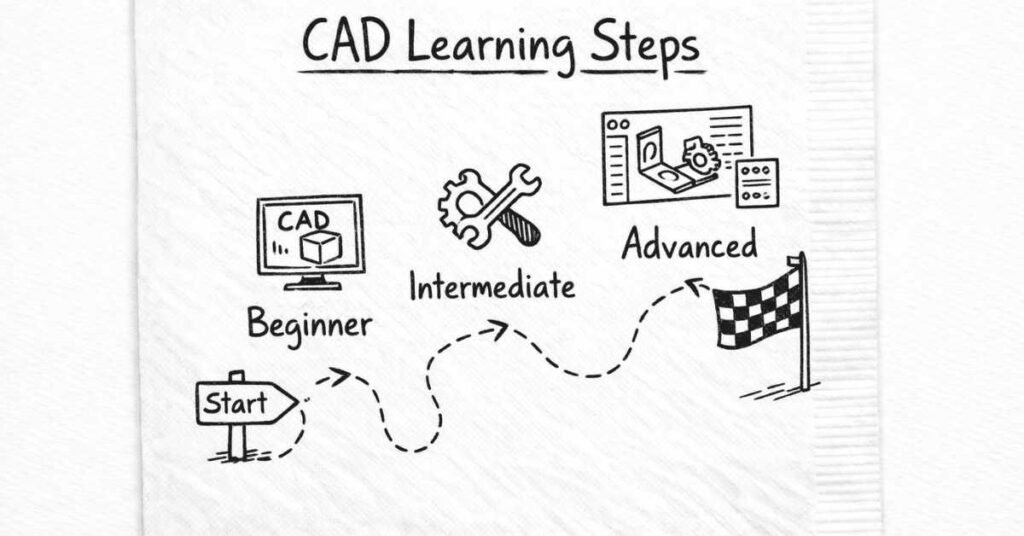
How to Learn CAD Effectively
Don’t just watch tutorials passively. CAD is a hands-on skill. You learn by doing.
Structured Learning Path:
Week 1-2: Interface and Basic Operations
- Learn navigation (pan, zoom, rotate views)
- Understand sketch tools (lines, circles, rectangles, constraints)
- Master basic 3D features (extrude, revolve, sweep, loft)
- Practice creating simple parts (bolts, shafts, flanges)
Week 3-4: Assemblies and Constraints
- Create multi-part assemblies
- Understand mates/constraints (how parts connect)
- Check for interference between parts
- Create exploded views
Week 5-8: Advanced Features
- Sheet metal design
- Surfacing techniques
- Complex geometries
- Configurations and design tables
- Creating engineering drawings from 3D models
Month 3-6: Specialized Applications
- Motion simulation
- Basic FEA analysis
- Rendering for presentations
- Parametric design strategies
- Design optimization techniques
Learning Resources:
Official Training:
- SolidWorks official tutorials (built into software)
- Autodesk learning platform for AutoCAD
- Manufacturer-provided training materials
Online Platforms:
- YouTube: Countless free tutorials (channels like CAD CAM Tutorial, SolidWorks Official)
- Udemy/Coursera: Structured paid courses with certificates
- LinkedIn Learning: Professional-quality CAD courses
- GrabCAD: Community platform with downloadable models to study
Practice Projects:
- Reverse engineer household objects (model your phone, laptop, furniture)
- Participate in CAD challenges and competitions
- Replicate industrial parts from engineering drawings
- Design solutions to real problems you observe
Build a Portfolio:
Create a portfolio showcasing your CAD work:
- Screenshot renders of your best designs
- Exploded assembly views
- Engineering drawings
- Simulation results
- Brief descriptions of design challenges and solutions
Host on:
- GrabCAD (CAD-specific portfolio platform)
- Personal website/blog
- LinkedIn (post project images and descriptions)
- GitHub (if you’re doing parametric/generative design with code)
During interviews, nothing demonstrates CAD competency better than pulling up your portfolio and walking through actual projects you’ve designed.
Getting Certified
CAD certifications validate your skills to employers:
SolidWorks Certifications:
- CSWA (Certified SolidWorks Associate): Entry-level, proves basic competency
- CSWP (Certified SolidWorks Professional): Advanced, highly valued by employers
- Specialist Certifications: Sheet metal, surfacing, simulation
AutoCAD Certifications:
- Autodesk Certified User: Entry-level
- Autodesk Certified Professional: Advanced proficiency
CATIA/CREO:
- Various manufacturer-specific certifications available
Investment: Certifications typically cost ₹5,000-15,000, but significantly improve resume appeal and interview success rates.
Technical Skill #2: Programming & Computational Skills
“But I chose mechanical engineering to avoid programming!” Many students think this, but modern mechanical engineering increasingly requires basic coding knowledge.
Why Mechanical Engineers Need Programming
- Automation: Repetitive CAD tasks, data processing, analysis can be automated with scripts, saving hours of manual work.
- Simulation and Analysis: Advanced simulations often require coding for custom analyses or post-processing results.
- Industry 4.0: IoT sensors, smart manufacturing systems, and data analytics all involve code.
- Robotics: Programming robot controllers and automation systems is fundamental in manufacturing.
- Computational Tools: MATLAB, Python with engineering libraries are standard tools for analysis and optimization.
- Career Flexibility: Programming skills open doors to interdisciplinary roles combining mechanical and software expertise—hot areas like robotics, autonomous vehicles, and mechatronics.
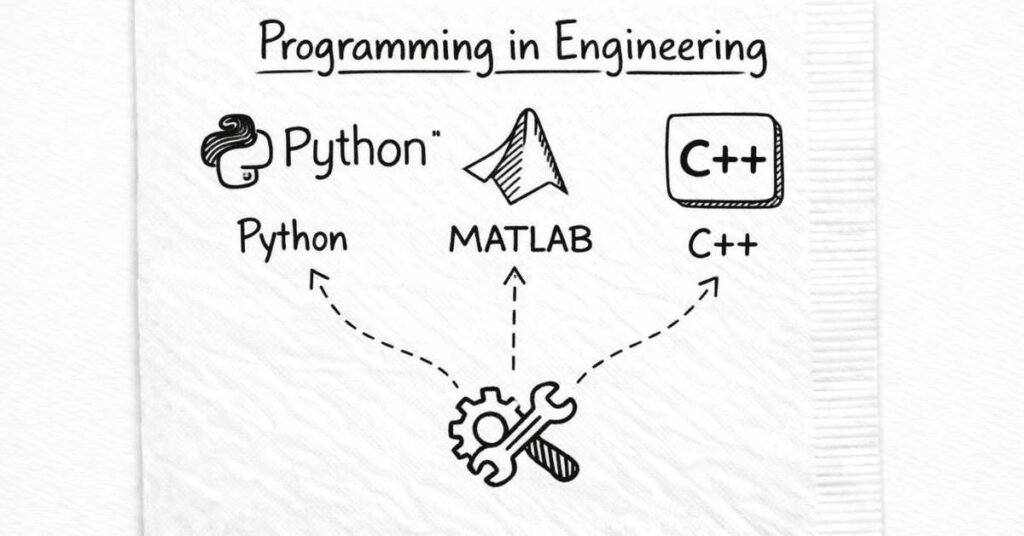
Essential Programming Languages
Python (Most Versatile for Engineers)
Why Python:
- Easy to learn with readable, intuitive syntax
- Powerful libraries for engineering: NumPy (numerical computing), SciPy (scientific computing), Matplotlib (plotting), Pandas (data analysis)
- Widely used in data analytics, machine learning, automation scripts
- Excellent for quick prototyping and solving engineering problems
What you can do with Python:
- Automate CAD operations and data processing
- Analyze experimental or simulation data
- Create engineering calculators and tools
- Implement optimization algorithms
- Control and communicate with hardware (Arduino, Raspberry Pi)
- Machine learning applications in predictive maintenance
Learning path:
- Start with basics: variables, data types, loops, functions (1-2 weeks)
- Move to engineering libraries: NumPy, SciPy, Matplotlib (2-3 weeks)
- Apply to real problems: solving equations, data analysis, plotting (ongoing practice)
Resources: Free online courses (Codecademy, Python.org tutorials), engineering-specific books like “Python for Scientists and Engineers”
MATLAB (Engineering Analysis Standard)
Why MATLAB:
- Specifically designed for mathematical and engineering computations
- Extremely powerful for matrix operations, differential equations, signal processing
- Industry-standard in aerospace, automotive, and research institutions
- Built-in toolboxes for control systems, optimization, image processing, etc.
What you can do with MATLAB:
- Solve complex mathematical problems quickly
- Analyze and visualize engineering data
- Simulate dynamic systems
- Develop control algorithms
- Process signals and images
Learning challenge: MATLAB is proprietary and expensive (though student licenses are affordable). Syntax differs from general programming languages.
Alternative: GNU Octave is free and mostly compatible with MATLAB syntax—great for learning.
C/C++ (Embedded Systems & Performance-Critical Applications)
Why C/C++:
- Used in embedded systems, robotics, and real-time control applications
- Offers direct hardware control
- Performance-critical applications require C/C++ efficiency
What you can do with C/C++:
- Program microcontrollers (Arduino, PIC, ARM processors)
- Develop robotics control systems
- Create high-performance simulation software
- Work on embedded systems in automotive, aerospace
Learning challenge: More complex syntax, manual memory management, steeper learning curve than Python.
When to learn: After mastering Python, if you’re specifically interested in robotics, embedded systems, or real-time control.
PLC Programming (Industrial Automation)
What is PLC: Programmable Logic Controllers are industrial computers controlling manufacturing equipment, assembly lines, and automated systems.
Why learn PLC:
- Essential for automation and manufacturing engineering roles
- High demand in manufacturing industries
- Specialized skill that differentiates you from peers
Common PLC platforms:
- Siemens: Step 7, TIA Portal
- Allen-Bradley/Rockwell: RSLogix, Studio 5000
- Mitsubishi: GX Works
What you’ll do:
- Write ladder logic programs (graphical programming language)
- Configure inputs/outputs controlling sensors, motors, valves
- Troubleshoot automated systems
- Integrate PLCs with HMI (Human-Machine Interface) screens
Learning path:
- Understand basic electrical and control concepts
- Learn ladder logic fundamentals (easier than traditional programming)
- Practice with simulation software (many offer free trials)
- Seek hands-on training through workshops or internships
PLC skills are highly valued: Manufacturing companies actively seek engineers with PLC knowledge, often offering higher salaries for this specialization.
How Much Programming Should You Learn?
Minimum competency (all mechanical engineers):
- Basic Python: write simple scripts, use engineering libraries, analyze data
- Understand programming logic even if not expert coder
Moderate competency (design, analysis, R&D roles):
- Proficient Python or MATLAB for engineering calculations and simulations
- Ability to automate repetitive tasks
- Read and modify existing code
Advanced competency (robotics, mechatronics, research):
- Multiple languages (Python + C/C++ or MATLAB)
- Algorithm development and optimization
- Integration with hardware systems
You don’t need to become a software engineer, but computational literacy is increasingly important. Dedicate time to learning basic programming—it pays significant dividends throughout your career.
Technical Skill #3: Manufacturing Processes & Production Knowledge
Understanding how products are actually made is crucial, even if you’re a design engineer who never steps on a factory floor.
Why Manufacturing Knowledge Matters
Design for Manufacturability: The most brilliant design is worthless if it can’t be manufactured economically. Engineers who understand manufacturing create practical, cost-effective designs.
Communication: You’ll work with production teams, suppliers, and quality engineers. Speaking their language improves collaboration.
Problem-Solving: When production issues arise, understanding processes helps you identify root causes and solutions quickly.
Career Flexibility: Manufacturing knowledge opens additional career paths in production engineering, quality, and operations.
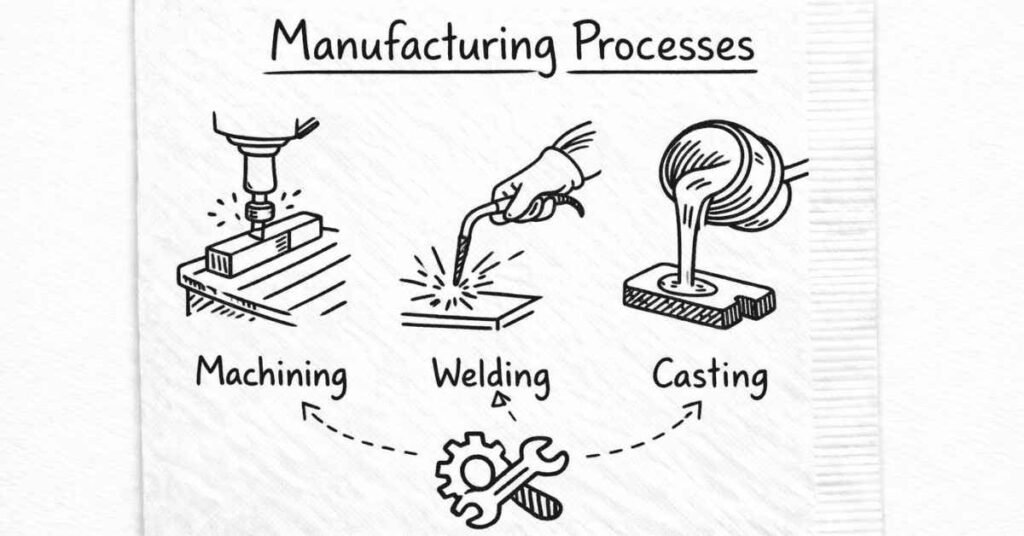
Key Manufacturing Processes to Understand
Machining (Material Removal)
Processes that remove material to create parts:
Turning: Rotating workpiece against cutting tool (creates cylindrical parts on lathes)
Milling: Rotating cutting tool removes material from stationary workpiece (creates complex shapes, slots, pockets)
Drilling: Creates holes using rotating drill bits
Grinding: Precision finishing using abrasive wheels
CNC Machining: Computer Numerical Control—automated, highly precise machining based on programmed instructions
What you should know:
- Tolerances achievable with different machining operations
- Surface finish capabilities
- Material considerations (machinability)
- Cost implications (machining is relatively expensive for high volumes)
Casting (Molten Material Pouring)
Creating parts by pouring liquid metal into molds:
Sand Casting: Inexpensive for large parts, lower precision
Die Casting: High-pressure injection into metal molds, excellent for mass production
Investment Casting: High precision for complex geometries
What you should know:
- Design considerations (draft angles, uniform wall thickness, avoiding sharp corners)
- Material limitations (not all alloys cast well)
- Surface finish and dimensional accuracy expectations
- Economical for complex shapes or high volumes
Forming (Plastic Deformation)
Shaping metal without removing material:
Forging: Hammering or pressing metal into shape (strong parts, good grain structure)
Rolling: Passing metal between rollers (creates sheets, plates, structural shapes)
Extrusion: Forcing material through shaped dies (aluminum profiles, pipes)
Stamping/Deep Drawing: Forming sheet metal into parts (automotive body panels, appliances)
What you should know:
- Material properties required (ductility, malleability)
- Limitations on complexity
- Excellent strength-to-weight ratio
- Economical for high volumes
Joining Processes
Connecting separate components:
Welding: Melting materials together (various types: arc welding, TIG, MIG, spot welding)
Brazing/Soldering: Joining using filler metals without melting base materials
Adhesive Bonding: Using polymers to join materials
Mechanical Fasteners: Bolts, screws, rivets, clips
What you should know:
- When to use each joining method
- Joint design principles (stress distribution, accessibility)
- Material compatibility
- Inspecting joint quality
Additive Manufacturing (3D Printing)
Building parts layer by layer:
FDM (Fused Deposition Modeling): Extruding plastic filament layer by layer (most common desktop 3D printers)
SLA (Stereolithography): Curing liquid resin with lasers (high detail)
SLS (Selective Laser Sintering): Sintering powder materials with lasers (metal and plastic parts)
Metal 3D Printing: DMLS, EBM for aerospace and medical parts
What you should know:
- Design considerations unique to additive manufacturing (support structures, orientation)
- Material options and properties
- When 3D printing makes sense economically (complex geometries, low volumes, rapid prototyping)
- Post-processing requirements
How to Develop Manufacturing Knowledge
Industrial Training/Internships: Nothing replaces hands-on factory experience. Seek internships exposing you to actual manufacturing operations.
Workshop Practice: Take your college workshop sessions seriously. Actually operate lathes, milling machines, welding equipment.
Factory Visits: Whenever possible, visit manufacturing facilities. Observe processes, ask questions, understand workflow.
YouTube and Online Resources: Countless videos demonstrate manufacturing processes. Watch them actively, taking notes.
Talk to Machinists and Production Engineers: These experienced professionals possess invaluable practical knowledge often not taught in classrooms.
Design Projects with Manufacturing in Mind: When doing CAD projects, always consider “How would this actually be made? What processes would be used? What would it cost?”
Technical Skill #4: Quality Control & Metrology
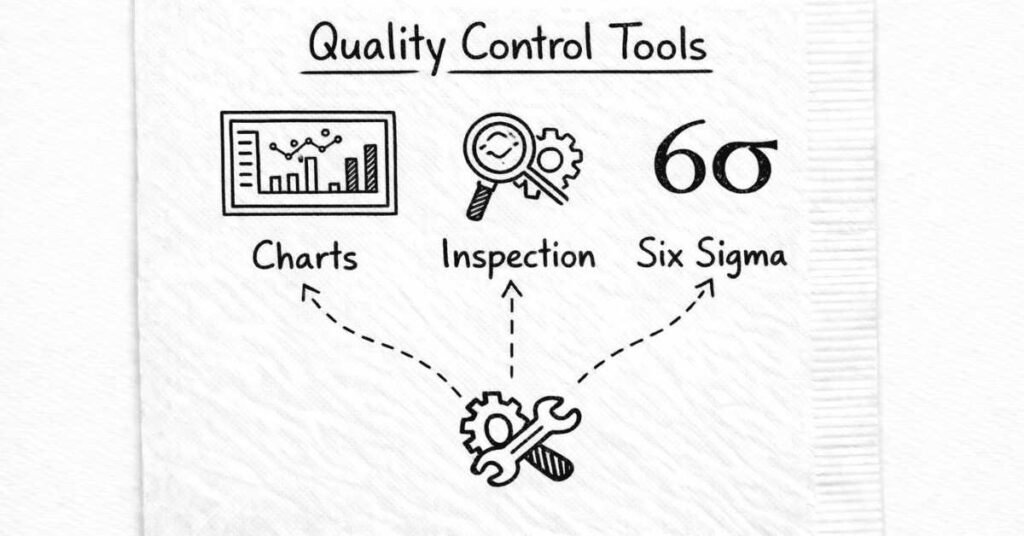
Quality isn’t just the QC department’s job—it’s every engineer’s responsibility.
Why Quality Knowledge Matters
Products must meet specifications consistently. Understanding quality principles helps you:
- Design parts with appropriate tolerances
- Specify inspection requirements
- Troubleshoot when quality issues arise
- Implement process improvements
- Communicate effectively with quality teams
Key Concepts to Understand
Geometric Dimensioning and Tolerancing (GD&T):
- Standard language for specifying design tolerances
- Goes beyond basic dimensions to specify form, orientation, and location
- Critical for parts requiring precise fit and function
- Essential for reading and creating engineering drawings
Measurement Techniques:
- Using precision instruments: micrometers, calipers, dial indicators, CMM (Coordinate Measuring Machines)
- Understanding measurement accuracy and precision
- Statistical analysis of measurement data
Statistical Process Control (SPC):
- Monitoring processes using control charts
- Identifying when processes drift out of specification
- Distinguishing normal variation from problematic trends
- Implementing corrective actions
Six Sigma Methodology:
- Data-driven approach to eliminating defects
- DMAIC framework: Define, Measure, Analyze, Improve, Control
- Statistical tools for quality improvement
- Highly valued certification (Green Belt, Black Belt)
Root Cause Analysis:
- Systematic problem-solving methodologies
- Tools like 5 Whys, Fishbone Diagrams, Pareto Analysis
- Preventing recurrence of quality issues
Learning Quality Skills
Certifications:
- Six Sigma Yellow Belt: Introduction to concepts (online courses available, ₹5,000-10,000)
- Six Sigma Green Belt: Practical implementation skills (₹15,000-30,000)
- Six Sigma Black Belt: Advanced, leadership-level expertise (₹40,000-80,000)
Online Courses: Platforms like Coursera, edX offer quality management courses from universities.
On-the-Job Learning: Many companies provide quality training. Seek opportunities to work on quality improvement projects.
Technical Skill #5: Industry 4.0 & Emerging Technologies
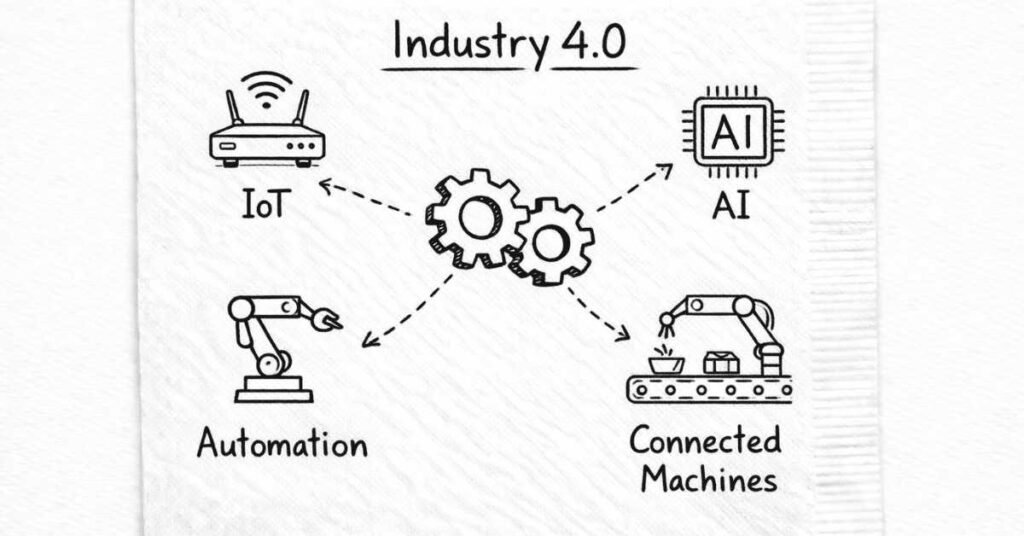
The mechanical engineering landscape is transforming rapidly. Staying current with emerging technologies ensures long-term career relevance.
Internet of Things (IoT) in Manufacturing
What it is: Physical devices embedded with sensors, software, and connectivity, collecting and exchanging data.
Applications in mechanical engineering:
- Machines with sensors monitoring temperature, vibration, power consumption
- Real-time production data enabling quick decision-making
- Remote monitoring and diagnostics
- Predictive maintenance based on condition monitoring
What you should learn:
- Basic understanding of sensors and data acquisition
- How IoT data flows from machines to cloud platforms
- Basics of data analysis and visualization
- Familiarity with IoT platforms (AWS IoT, Azure IoT, Google Cloud IoT)
Artificial Intelligence & Machine Learning
What it is: Systems that learn from data to make predictions or decisions without explicit programming.
Applications in mechanical engineering:
- Predictive maintenance: ML algorithms predict equipment failures based on sensor data
- Generative design: AI generates optimized designs based on constraints
- Quality inspection: Computer vision and AI detect defects faster than humans
- Process optimization: AI identifies patterns and optimizes parameters for efficiency
What you should learn:
- Fundamental AI/ML concepts (you don’t need to become a data scientist)
- How ML is applied in manufacturing and engineering contexts
- Python libraries for basic ML (scikit-learn basics)
- Ability to collaborate effectively with data scientists
Robotics and Automation
Current trends:
- Collaborative robots (cobots): Work safely alongside humans, easier to program, affordable for SMEs
- Autonomous mobile robots: Warehouse and logistics automation
- Flexible automation: Systems that adapt quickly to product changes
- AI-powered robotics: Robots that learn and adapt to variations
What you should learn:
- Robot kinematics and motion planning basics
- Robot programming (vendor-specific languages, but concepts transfer)
- Integration of robots with other manufacturing systems
- Safety standards and risk assessment
Digital Twin Technology
What it is: Virtual replicas of physical assets that mirror real-world performance in real-time.
Applications:
- Testing design modifications virtually before implementing physically
- Simulating different operating scenarios
- Optimizing performance based on actual operational data
- Training operators on virtual models
What you should learn:
- How digital twins are created and maintained
- Integration of IoT sensor data with simulation models
- Using simulation results for decision-making
Additive Manufacturing Evolution
3D printing continues advancing beyond prototyping into production:
- Metal 3D printing for aerospace and medical applications
- Multi-material printing
- Large-scale construction printing
- Bio-printing for medical applications
Stay current: Follow industry publications (Additive Manufacturing Magazine), attend webinars, explore open-source 3D printing communities.
How to Stay Updated
Industry Publications:
- Engineering360
- Machine Design Magazine
- Manufacturing.net
- ASME (American Society of Mechanical Engineers) publications
Online Learning:
- Coursera/edX: Courses on Industry 4.0, IoT, robotics from universities
- Udemy: Practical skills courses
- YouTube channels: Real Engineering, Practical Engineering, Lesics
Professional Communities:
- LinkedIn groups: Join mechanical engineering and manufacturing groups
- Reddit: r/MechanicalEngineering, r/Manufacturing, r/EngineeringStudents
- Engineering forums: eng-tips.com, engineering.com
Conferences and Webinars:
- Attend industry conferences (many now have virtual options)
- Manufacturer webinars (Siemens, Autodesk, Dassault regularly host free webinars)
Company Training:
- Once employed, take advantage of employer-sponsored training programs
Soft Skill #1: Communication (Your Career Multiplier)
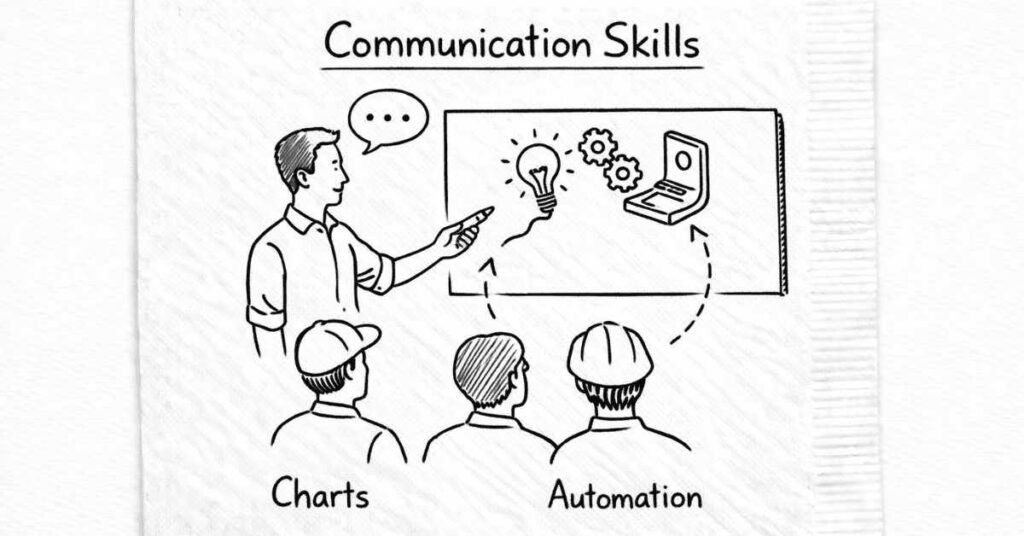
Here’s an uncomfortable truth: your technical brilliance matters little if you can’t communicate it effectively.
Why Communication Is Critical
Cross-functional collaboration: You’ll work with non-engineers—marketing, sales, management, customers. Explaining technical concepts in accessible language is essential.
Project documentation: Writing clear technical reports, specifications, and documentation ensures knowledge isn’t lost.
Presentations: Proposing ideas, presenting project results, training others—all require presentation skills.
Career advancement: Leadership positions require strong communication. The best technical experts often don’t advance because they can’t communicate effectively.
Types of Communication to Master
Technical Writing:
- Clear, concise engineering reports
- Detailed specifications and documentation
- Standard operating procedures (SOPs)
- Email communication with appropriate technical detail
Tips:
- Use simple language; avoid jargon when possible
- Organize logically with clear structure
- Include visuals (diagrams, charts, photos) to support text
- Proofread carefully—errors undermine credibility
Verbal Presentations:
- Project updates to management
- Technical presentations to clients
- Training sessions for colleagues
- Conference presentations
Tips:
- Know your audience (adjust technical depth accordingly)
- Tell a story, don’t just present data
- Practice extensively before important presentations
- Use visual aids effectively (don’t read slides verbatim)
- Welcome questions and discussion
Interpersonal Communication:
- One-on-one discussions with colleagues, managers, suppliers
- Active listening (understanding before responding)
- Asking clarifying questions
- Providing constructive feedback
Tips:
- Listen more than you talk initially
- Ask “why” to understand underlying issues
- Be respectful even when disagreeing
- Follow up in writing after important conversations
Visual Communication:
- Creating clear CAD drawings
- Designing informative charts and graphs
- Using sketches to explain concepts quickly
- Creating presentation slides that enhance rather than distract
How to Improve Communication Skills
Practice regularly: Join clubs like Toastmasters, volunteer to present in classes, write blog posts about engineering topics.
Seek feedback: Ask colleagues and mentors how you can communicate more effectively.
Study good communicators: Notice what makes certain engineers effective communicators and emulate their techniques.
Read widely: Reading improves vocabulary, grammar, and ability to structure arguments logically.
Take courses: Many online courses and books specifically address technical communication skills.
Soft Skill #2: Problem-Solving Mindset
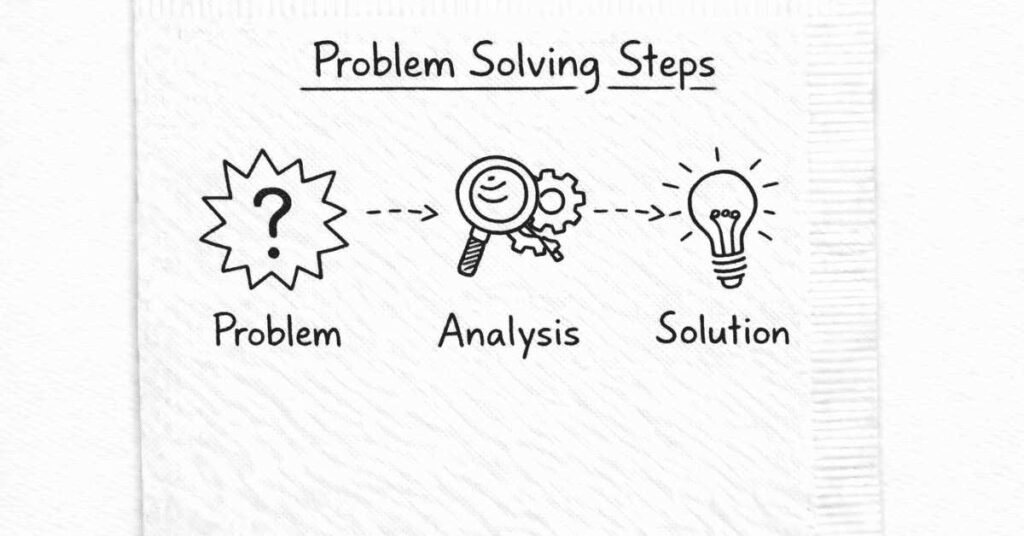
Engineering is fundamentally about solving problems. Your approach matters as much as your technical knowledge.
Structured Problem-Solving Approach
- Define the problem clearly:
- What exactly is wrong or needs improvement?
- What are the symptoms versus root cause?
- What are constraints and success criteria?
- Gather relevant information:
- What data is available?
- Who has experience with similar problems?
- What have others tried before?
- Generate multiple potential solutions:
- Brainstorm without initial judgment
- Consider diverse approaches
- Don’t fixate on first idea
- Evaluate options systematically:
- Assess feasibility, cost, time, risks
- Consider short-term fixes versus long-term solutions
- Identify trade-offs
- Implement chosen solution:
- Plan implementation steps
- Test on small scale if possible
- Monitor results
- Learn and iterate:
- What worked? What didn’t?
- Document learnings for future reference
- Be willing to adjust approach based on results
Developing Problem-Solving Skills
Practice on real problems: Don’t just solve textbook exercises. Identify actual problems around you and work on solutions.
Learn from failures: Failed approaches teach more than successes. Analyze what went wrong and why.
Study case studies: Read about how engineers solved significant problems in history and industry.
Collaborate: Discussing problems with others exposes you to different thinking approaches.
Soft Skill #3: Teamwork and Collaboration
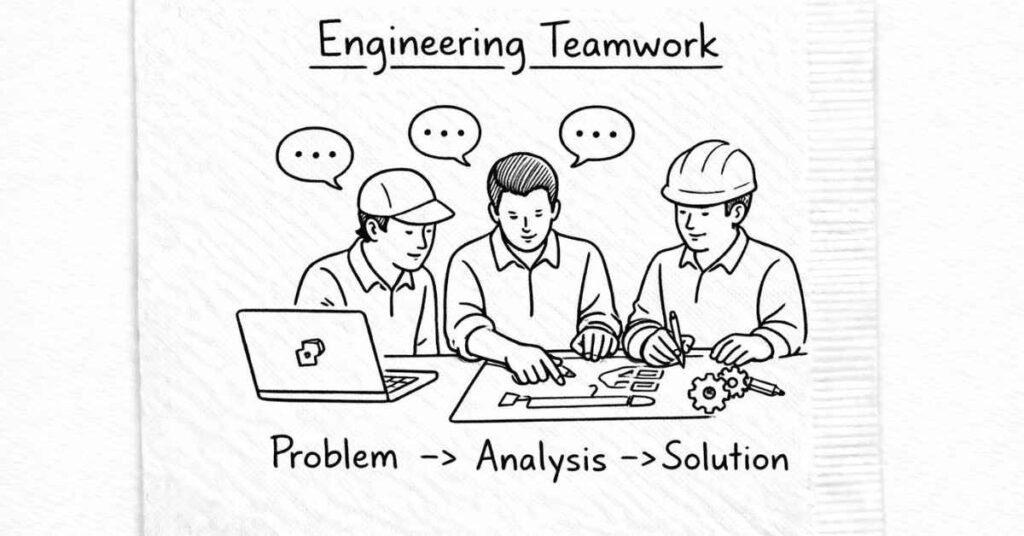
Engineering is rarely solo work. Most projects involve teams.
Why Teamwork Matters
Complex projects: Modern engineering challenges are too complex for individuals. Teams with diverse expertise solve problems more effectively.
Different perspectives: Colleagues see problems from different angles, leading to better solutions.
Knowledge sharing: Teams allow learning from more experienced engineers.
Being a Good Team Member
Reliability: Deliver what you commit to, on time. Nothing damages reputation faster than unreliability.
Openness to feedback: Accept constructive criticism graciously. Defensive reactions shut down collaboration.
Supporting others: Help colleagues when they’re struggling. Engineering culture should be collaborative, not competitive.
Conflict resolution: Disagree professionally. Focus on technical merits, not personal attacks.
Sharing credit: Acknowledge others’ contributions. Hogging credit damages relationships.
How to Develop Teamwork Skills
Group projects: Take academic group projects seriously as teamwork practice (even though they’re often frustrating).
Extracurricular activities: Join clubs, sports teams, or volunteer organizations to practice collaboration.
Diverse teams: Work with people from different backgrounds and disciplines—it broadens perspective.
Soft Skill #4: Continuous Learning and Adaptability
Technology evolves constantly. The CAD software you learn today might be obsolete in 10 years.
Growth Mindset
Successful engineers view challenges as learning opportunities, not threats. They believe skills can be developed through effort rather than being fixed traits.
Staying Current
Dedicate learning time: Successful engineers typically spend 5-10 hours weekly learning—reading technical publications, taking online courses, experimenting with new tools.
Learn from work: Every project offers learning opportunities. Seek challenging assignments that stretch your capabilities.
Seek mentorship: Learn from experienced engineers. Ask questions, observe their problem-solving approaches.
Cross-training: Don’t limit yourself to narrow specialization. Understanding adjacent fields (electrical, software, industrial engineering) makes you more valuable.
Embrace change: When new technologies or processes are introduced, be among the early adopters rather than resistors.
Creating Your Personal Skill Development Plan
With so many skills to develop, where do you start? Here’s a framework:
Assess Current Skills (Honest Self-Evaluation)
Rate yourself (1-5 scale) on:
- CAD proficiency
- Programming ability
- Manufacturing knowledge
- Communication skills
- Problem-solving approach
- Teamwork capabilities
Identify Priority Skills Based on Goals
If targeting design engineering: Prioritize CAD mastery, FEA, manufacturing knowledge, communication.
If targeting automation/robotics: Prioritize programming, PLC, robotics, IoT basics.
If targeting production/manufacturing: Prioritize manufacturing processes, quality methods, problem-solving, teamwork.
If targeting project management/leadership: Prioritize communication, teamwork, business awareness, project management.
Create 3-Month, 6-Month, 1-Year Plans
Example 3-month plan:
- Achieve CSWA certification in SolidWorks
- Complete Python basics course and create 2-3 engineering calculation scripts
- Read one technical book on manufacturing processes
- Practice presentation skills by volunteering for one class presentation
Example 6-month plan:
- Achieve CSWP certification
- Complete intermediate Python course including NumPy/SciPy
- Complete one significant CAD project for portfolio
- Learn basics of one manufacturing process hands-on (through internship or workshop)
Example 1-year plan:
- Master one CAD platform, functional proficiency in second
- Comfortable with Python for engineering calculations and automation
- Six Sigma Yellow Belt certification
- Strong portfolio of 5-6 projects demonstrating various skills
- Comfortable with technical presentations and writing
Track Progress and Adjust
Review your plan monthly. Are you making progress? Do priorities need adjustment based on new information or opportunities?
Final Thoughts: Skills Beat Grades
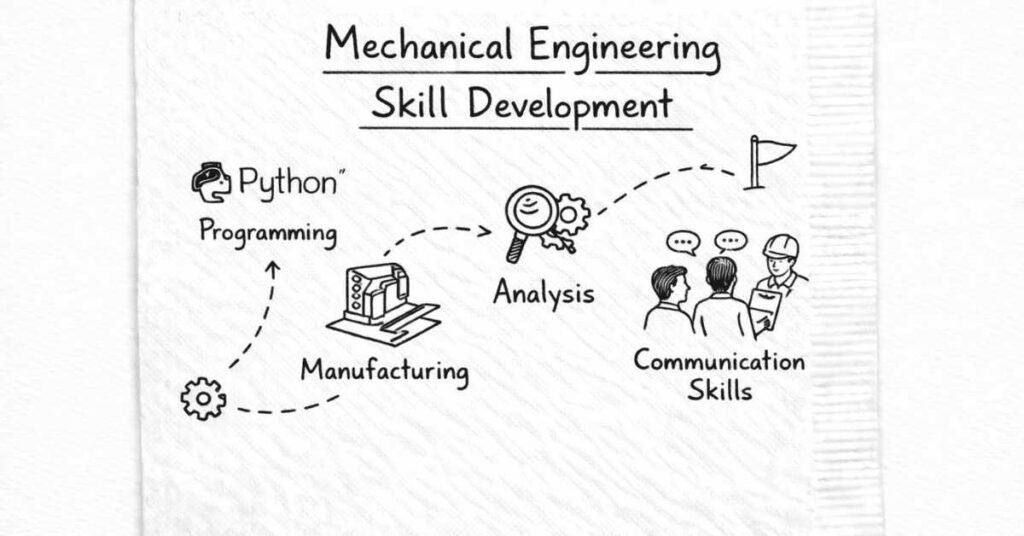
Your CGPA matters for your first job, but skills determine your career trajectory. Employers increasingly value demonstrable abilities over academic grades.
Focus on building a portfolio showcasing what you can actually do:
- CAD models and drawings
- Analysis reports with results
- Programming scripts solving real problems
- Project documentation
- Presentation materials
When interviewing, bring your portfolio. Show, don’t just tell.
Remember: skill development is a marathon, not a sprint. You won’t master everything immediately. Focus on consistent progress. Dedicate time daily or weekly to learning, and in 2-3 years, you’ll possess a skill set that makes you highly valuable in the job market.
The mechanical engineers who thrive aren’t necessarily those with the highest grades or from the most prestigious colleges. They’re the ones who continuously develop relevant skills, adapt to changing technologies, and combine technical expertise with strong soft skills.
Your journey starts now. Choose one skill from this guide and begin learning today. Then another. Then another. Compound your capabilities over time, and you’ll build a successful, rewarding mechanical engineering career.